Cloud Accounts
Cloud Accounts
Your organization must first have an initial cloud account established to represent the Organization's management account.
- Hosted
- Self-Hosted
note
On the Hosted Control Plane, Civo is the primary cloud provider for management clusters. You can add AWS or GCP accounts for workload clusters.
- Click Add cloud account.
- Select Civo as the cloud provider.
- Enter a name for the account.
- Paste your Civo API key. Find this in your Civo Dashboard under Settings > Profile > Security.
- Click Save.
Click Add cloud account.
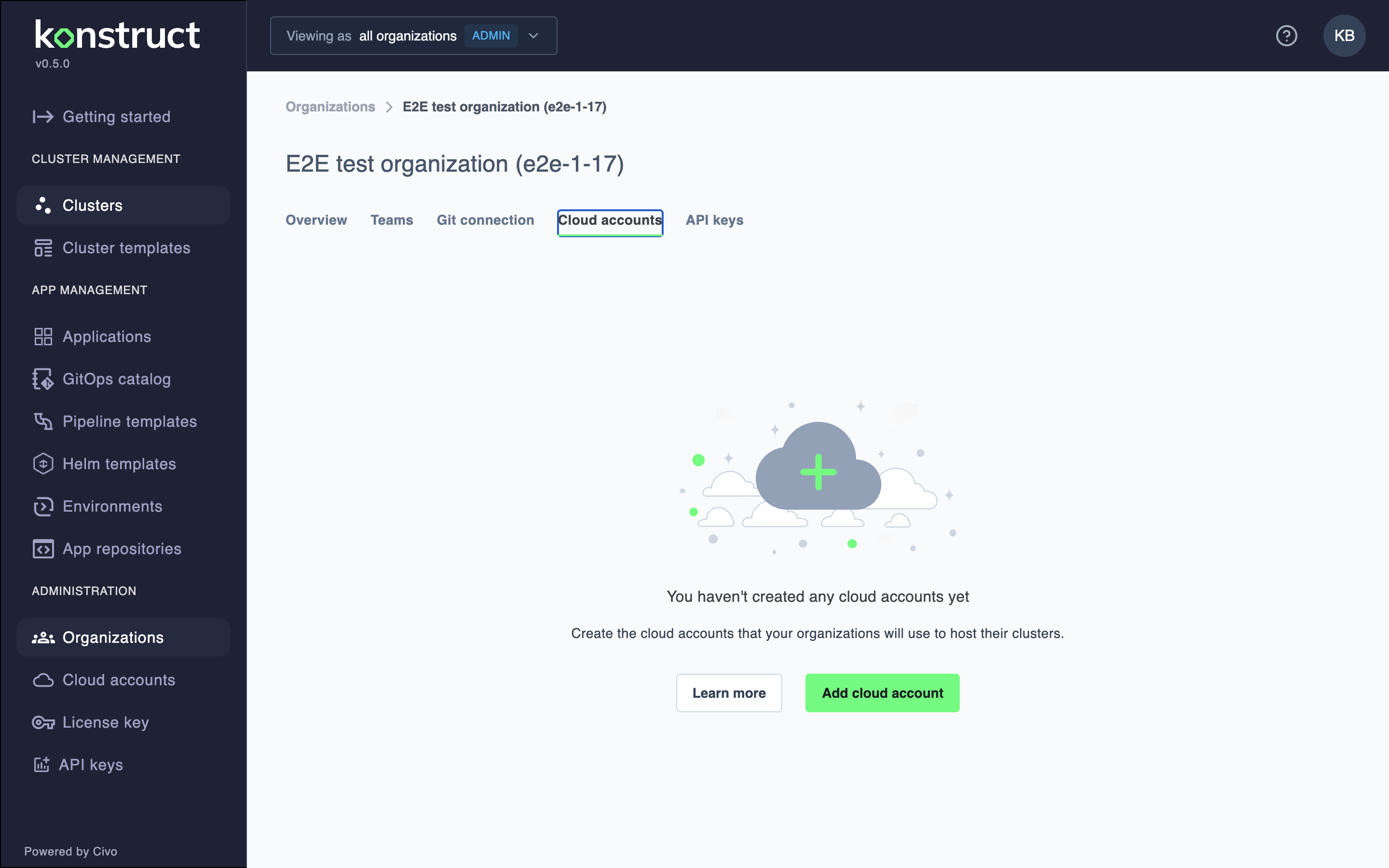
Select the AWS cloud provider.
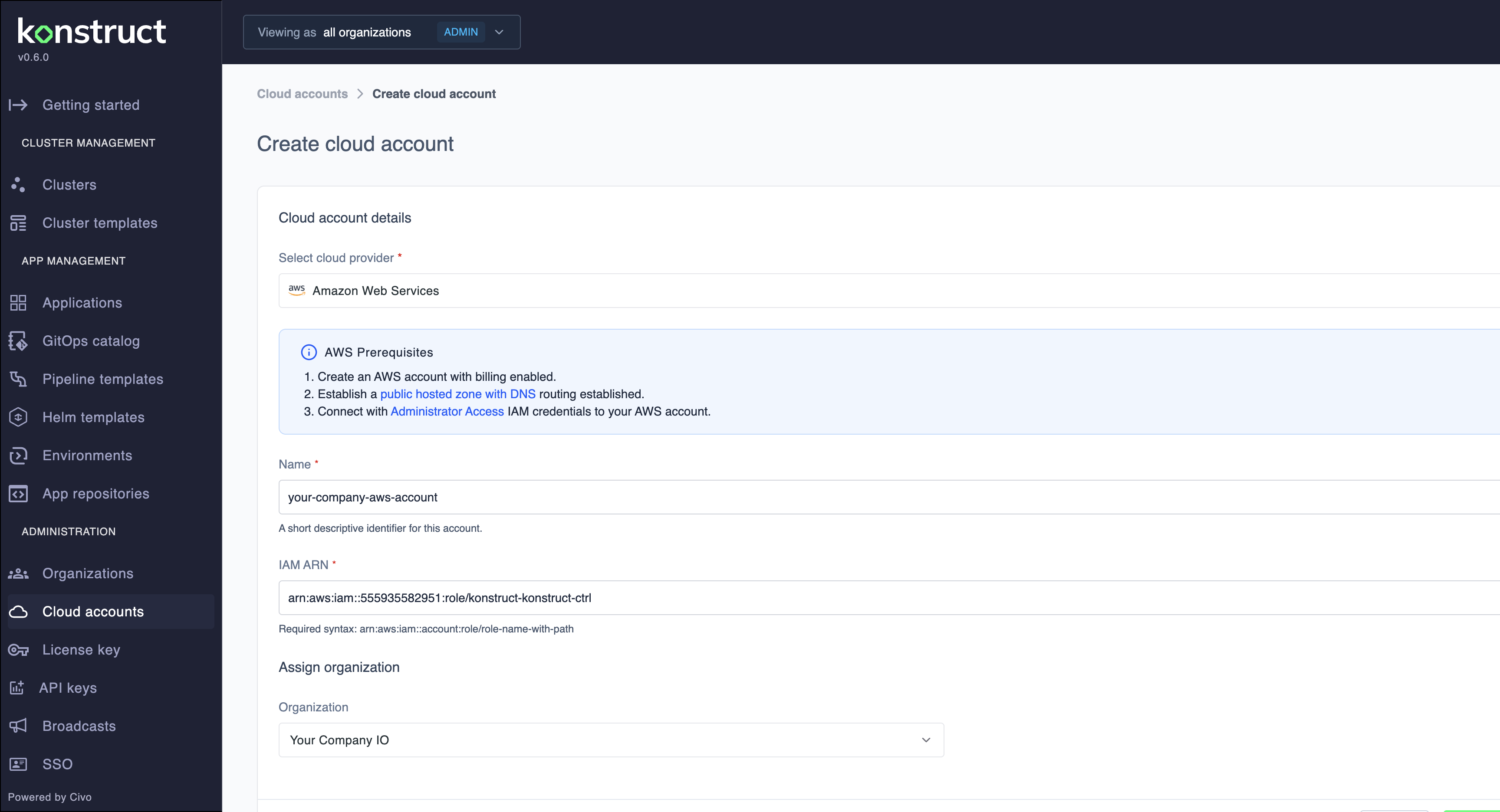
Give your cloud account a name and the Role ARN to assume. For more information on creating an assumable teamcluster role, please see
https://github.com/konstructio/konstruct-aws-arn/tree/main/konstruct-teamcluster-role
Now that you've registered your first cloud account with your Organization, you're ready to create your Organization's team management cluster.