Logging In
- Hosted
- Self-Hosted
Log in to Konstruct at konstruct.saas.konstruct.io using your Civo account credentials. No additional setup is required — authentication is handled through Civo SSO.
If your organization requires a different identity provider, you can configure additional SSO connectors after your first login. See Single Sign-On for setup instructions.
After your Konstruct instance is deployed, navigate to your instance URL to access the login page.
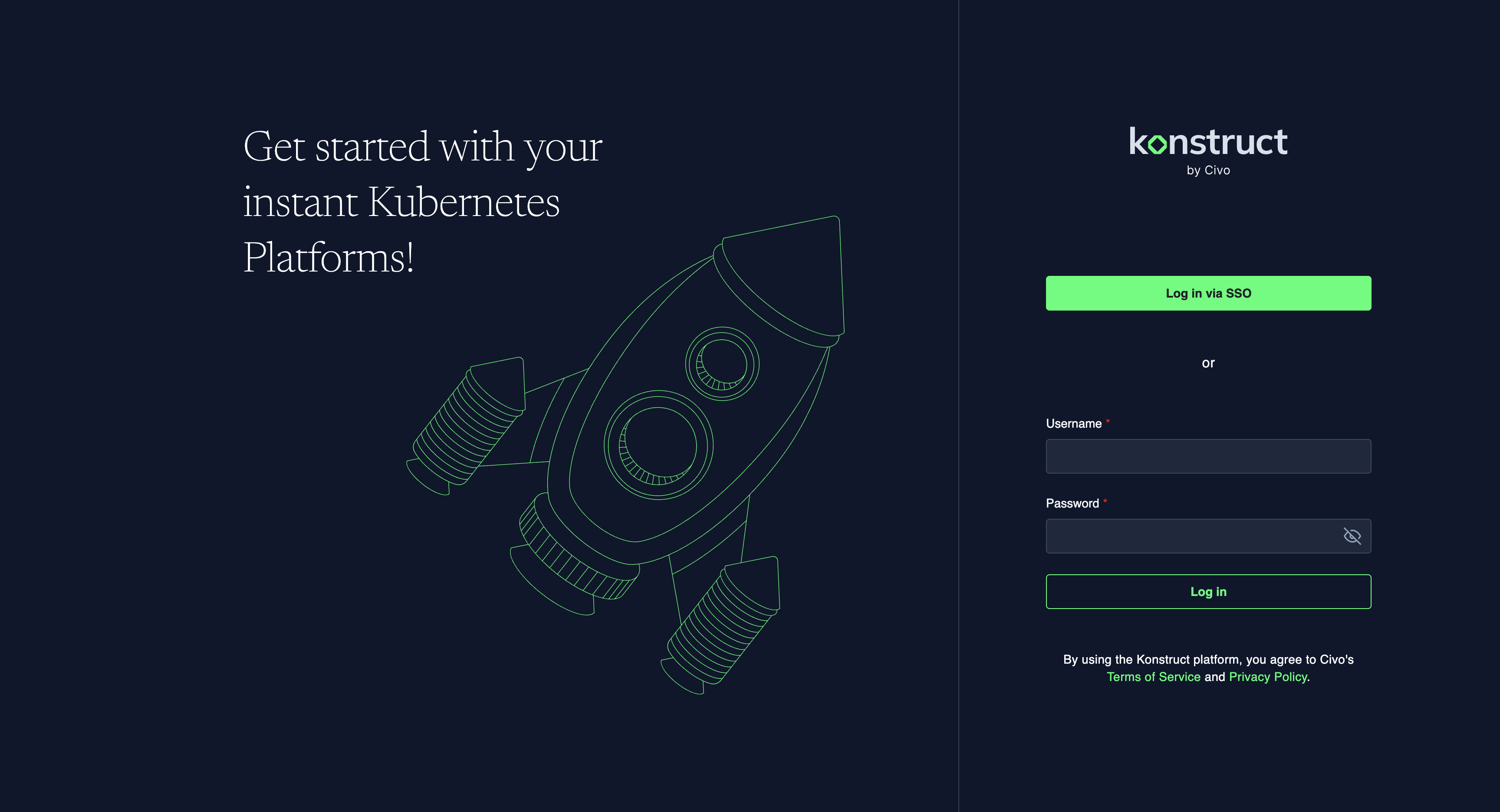
Konstruct uses Dex as an identity broker, allowing you to bring your own OIDC/SSO provider. You can log in via SSO or with local credentials. For your initial login, you'll need to login with kbot so that you can configure your OIDC details.
Default Login with kbot
This section applies to Self-Hosted installations only. Hosted users authenticate via Civo SSO.
This account is created automatically during installation. The password is set during the Terraform bootstrap step as a bcrypt hash in dex_config.admin_password.
If you followed the AWS Bootstrap Installation, you set this password during terraform.tfvars configuration. Log in with:
- Username:
kbot - Password: The plaintext password you hashed with
htpasswdduring installation
Resetting the kbot password
If you need to change the kbot password after installation:
-
Generate a new bcrypt hash:
htpasswd -nbBC 10 "" 'new-password' | tr -d ':\n' | sed 's/$2y/$2a/' -
Update the Dex configuration:
kubectl edit secret -n dex dex-configFind the
staticPasswordssection and replace the hash value for the kbot user. -
Restart Dex:
kubectl rollout restart deployment -n dex dex -
Log in with username
kbotand your new password.
Configuring SSO
Once logged in, configure your identity provider to enable SSO for your team. See Single Sign-On for setup instructions.