Environments
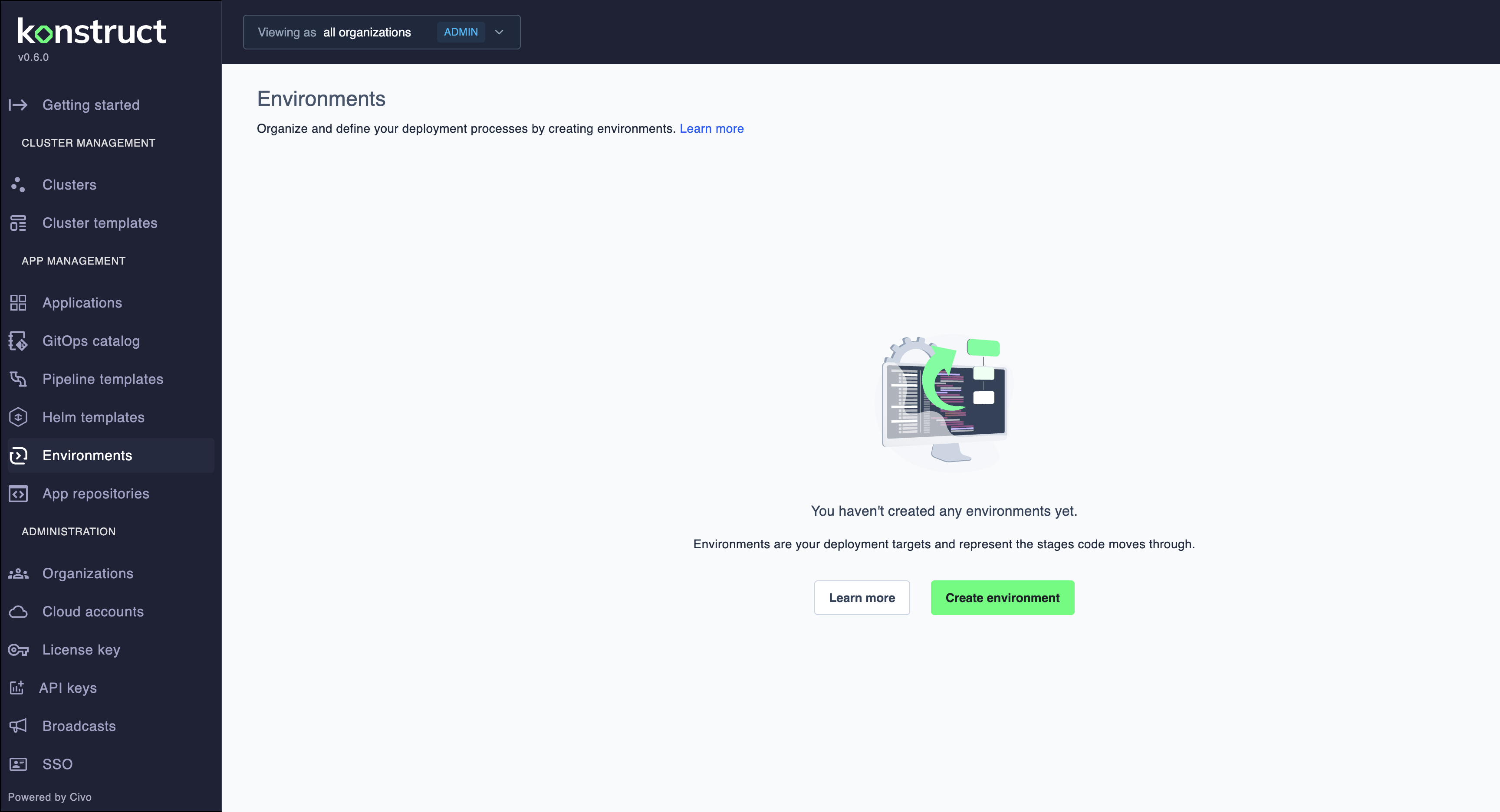
Environments define deployment targets for your applications across different stages like development, staging, and production.
Key Concepts
Environment - A deployment target that applications can be deployed to. Each environment has its own configuration and can be associated with specific clusters.
Environment Names - Must be unique within your organization and cannot be changed after creation. Must start and end with lowercase character and only contain lowercase, numerical and hyphen characters.
Namespace - Each environment has a corresponding Kubernetes namespace with the same naming requirements.
Environment Types - Pre-release or Release types help categorize your deployment targets.
Visibility - All team members can view environments that belong to their organization.
Common Use Cases
- Separate development, staging, and production deployments
- Create feature branch environments for testing
- Set up region-specific environments
- Configure environment-specific variables and secrets
Dynamic Environment Provisioning
Automate complete environment setup using GitOps Catalog. Provision infrastructure and deploy applications together when creating environments:
- Automated Infrastructure: Deploy databases, storage, and networks from IaC catalog items
- Platform Tools: Automatically install monitoring, security, and logging tools
- Application Deployment: Deploy applications with proper configurations
- Consistent Environments: Use catalog templates for repeatable environment creation
Learn more about dynamic environment provisioning or provision an environment from catalogs.
Getting Started
- Create your first environment
- Register applications to deploy to environments
What's Next?
- Set up dynamic environment provisioning with GitOps catalogs
- Learn about pipeline templates to automate deployments across environments
- Set up application secrets per environment
- Explore GitOps Catalog for reusable infrastructure and application templates