Getting Started
Konstruct is available as a Hosted Control Plane on Civo or Self-Hosted on your own Kubernetes cluster. Choose your path below.
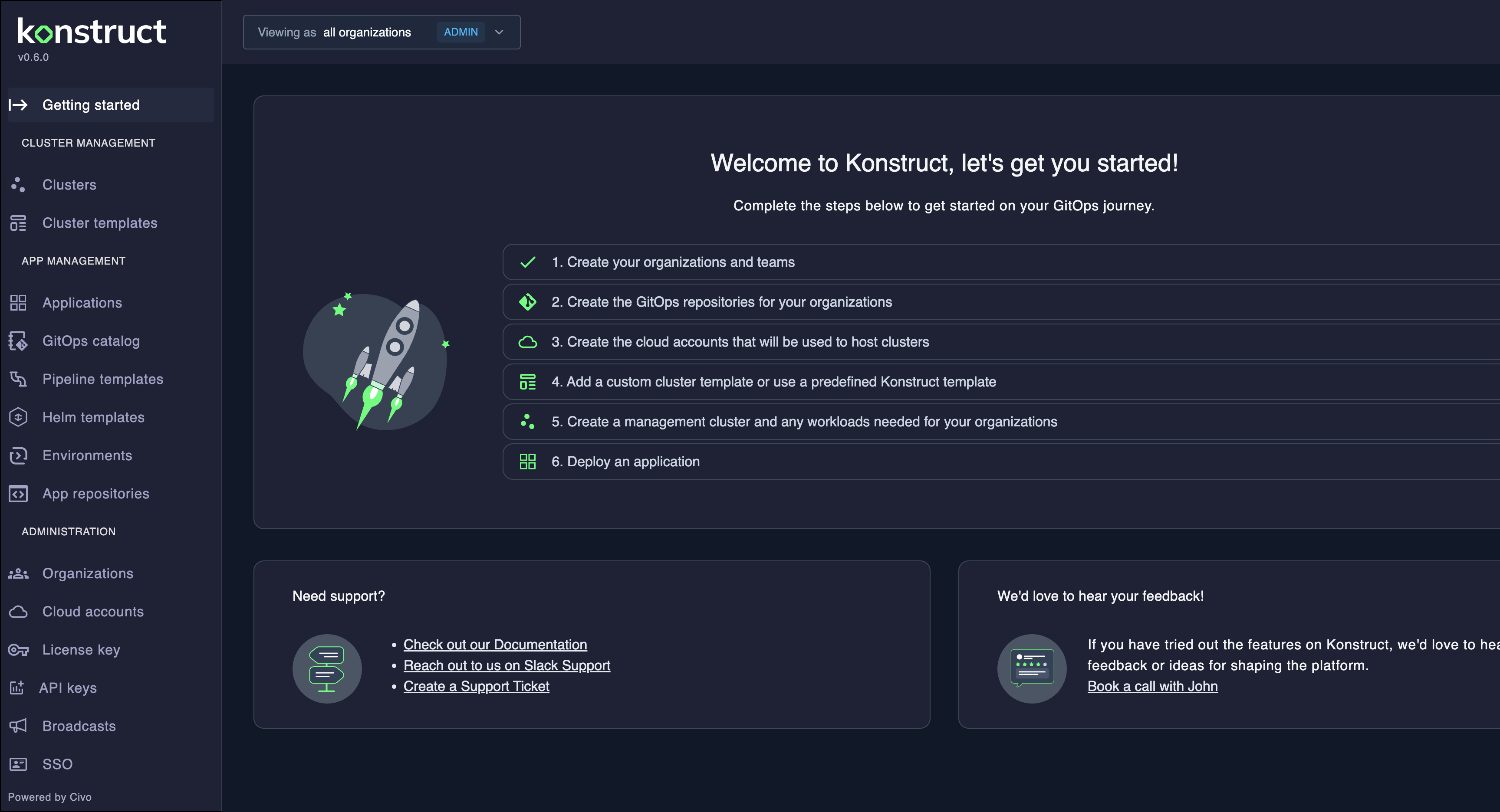
Choose Your Path
- Hosted Control Plane
- Self-Hosted Control Plane
No installation required. Civo manages the Konstruct control plane for you. Sign up, connect your accounts, and start creating clusters.
- Sign up — Go to konstruct.saas.konstruct.io and log in with your Civo account.
- Set up your Civo account — Create a Civo API key for cluster provisioning. See Civo Account Setup.
- Follow the Quickstart — The Hosted Quickstart walks you through connecting accounts, creating clusters, and deploying your first application in under 30 minutes.
For an overview of the hosted architecture and limitations, see Hosted Control Plane.
You manage the control plane. Install Konstruct on your own Kubernetes cluster and own the full platform stack.
- Install Konstruct — Follow the AWS Bootstrap Installation guide to deploy on EKS with Terraform, GitHub or GitLab, and DNS.
- Log in with kbot — Use the default admin account for initial setup. See Logging In.
- Create your organization — Set up organizational structure and connect your Git provider. Navigate to Administration > Organizations. See Organizations.
- Connect cloud accounts — Add cloud provider credentials for cluster provisioning. See Cloud Accounts.
- Add a cluster template — Use a predefined template or create a custom one. See Cluster Templates.
- Create a management cluster — Provision your first management cluster. See Creating Clusters.
- Deploy an application — Register and deploy your first application. See Applications.