Single Sign-On
Single Sign-On
One of the first things you'll want to do after connecting to Konstruct is set up your SSO so that you can log in as yourself and invite your team to your new Organization. Access SSO settings under Administration in the sidebar.
- Hosted
- Self-Hosted
On the Hosted Control Plane, authentication is handled through your Civo account by default. All users in your Civo organization can access Konstruct. To configure additional SSO providers (such as Microsoft Entra ID), contact your account team or configure SSO in the admin settings below.
Konstruct uses Dex as an identity broker. Configure your SSO provider below.
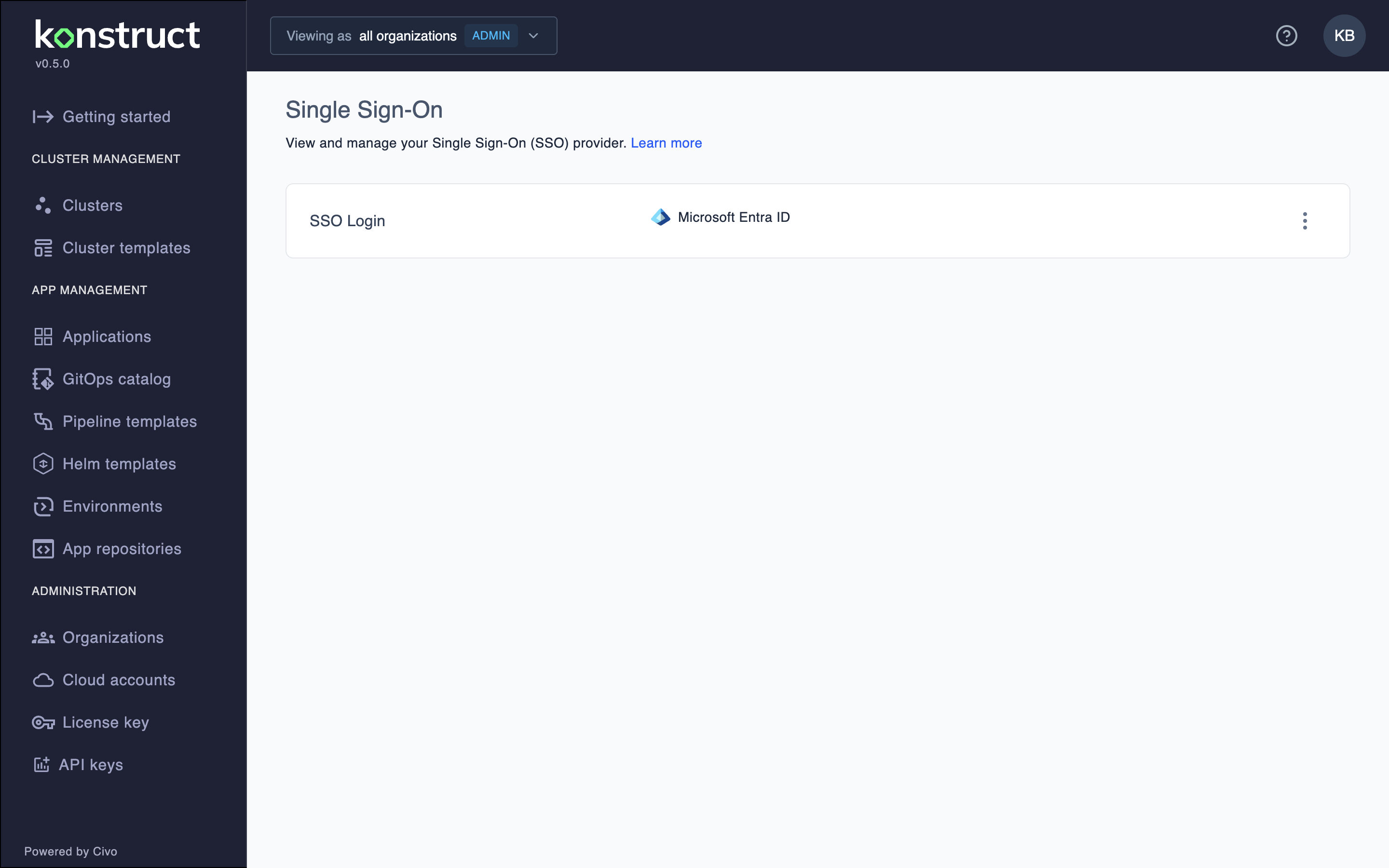
Microsoft Entra Configuration
Select Microsoft Entra ID as your identity provider Type.
Enter your Client ID and Client Secret from your Microsoft Entra configuration.
Next enter the Redirect URI for your Konstruct cluster's dex instance.
Last you'll have to enter your Tenant value and hit Save.
Troubleshooting
Large Azure AD Groups
If you belong to more than 1000 Azure AD groups, you may experience login issues due to cookie size limitations.
Symptoms:
- Login fails with timeout or cookie errors
- Authentication redirects in loops
- "Session expired" messages
Solutions:
- Ask your Azure AD administrator to reduce your group memberships
- Use service accounts with fewer group assignments for automation
Note: Contact support for assistance with specific configuration of large Azure AD group memberships.
Next Step
Now that you've configured your SSO for your Konstruct instance, you can map your groups to our Konstruct roles when you create an Organization.