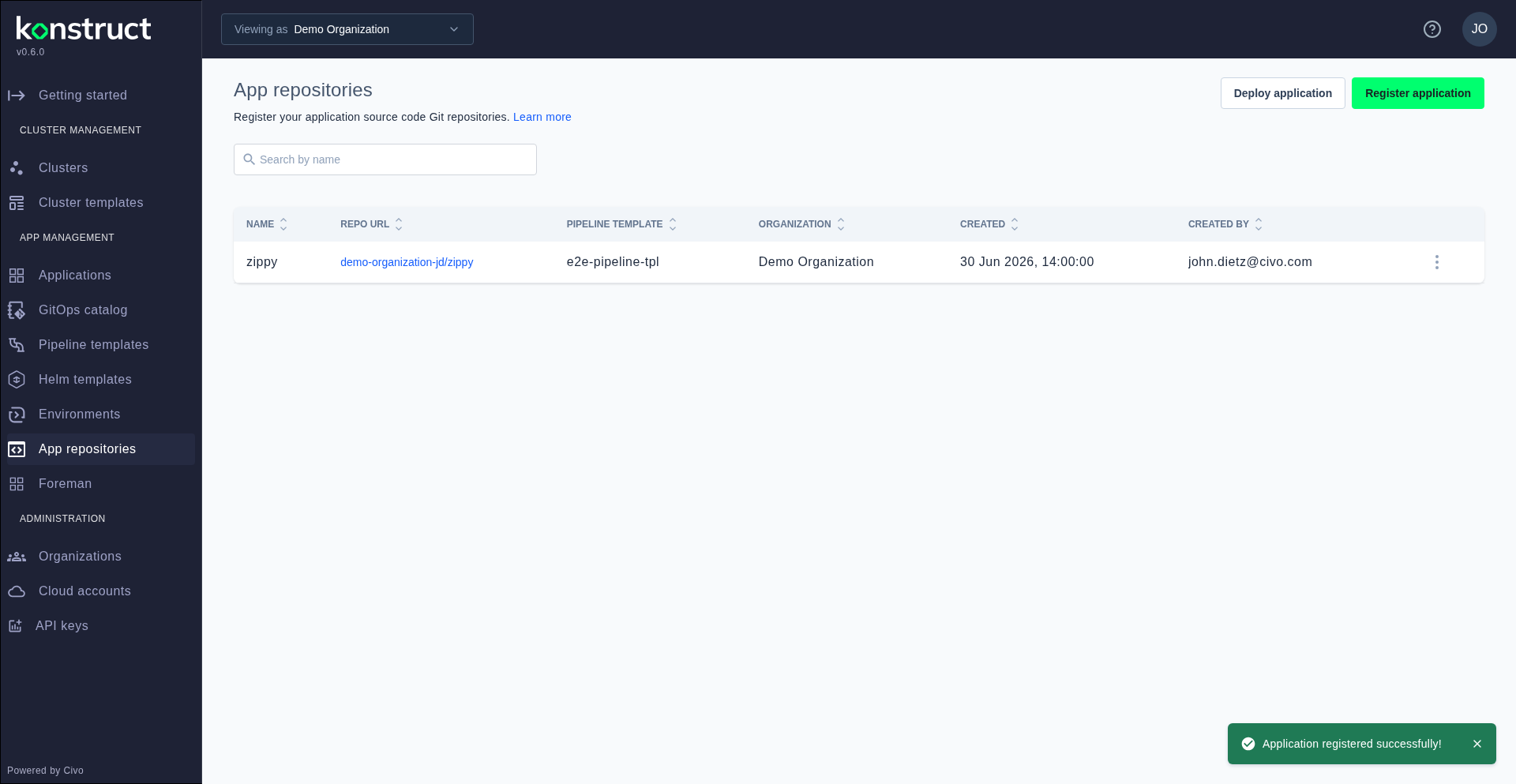
Application Repositories
Application repositories are the core of Konstruct's GitOps workflow. When you register an app repository, Konstruct connects your GitHub repository to the platform, assigns a pipeline template for CI/CD, links a Helm chart template for packaging, and maps the application to a deployment environment.
Viewing App Repositories
Navigate to App repositories in the sidebar. The list shows all registered applications with their name, organization, and deployment status.
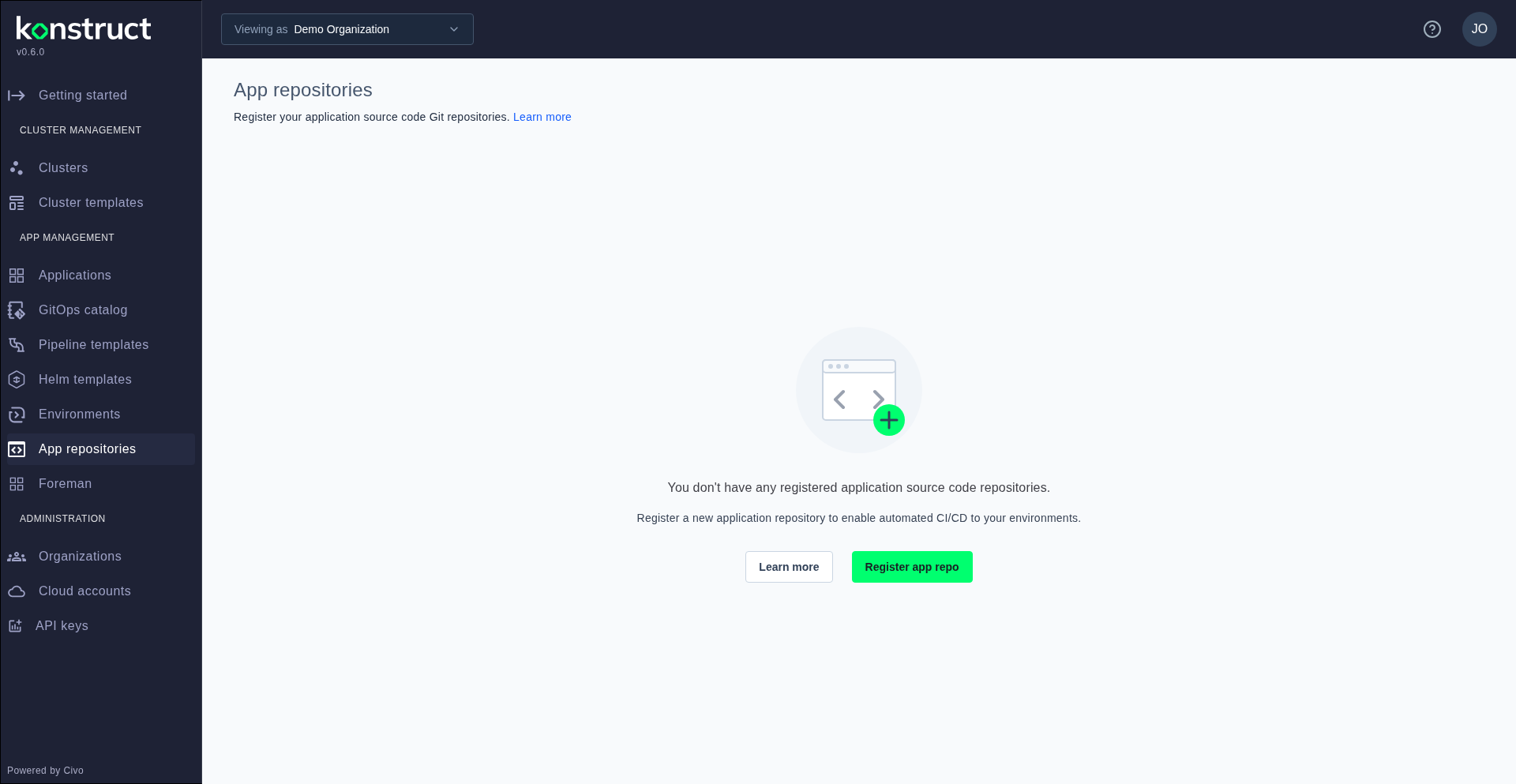
Registering an Application
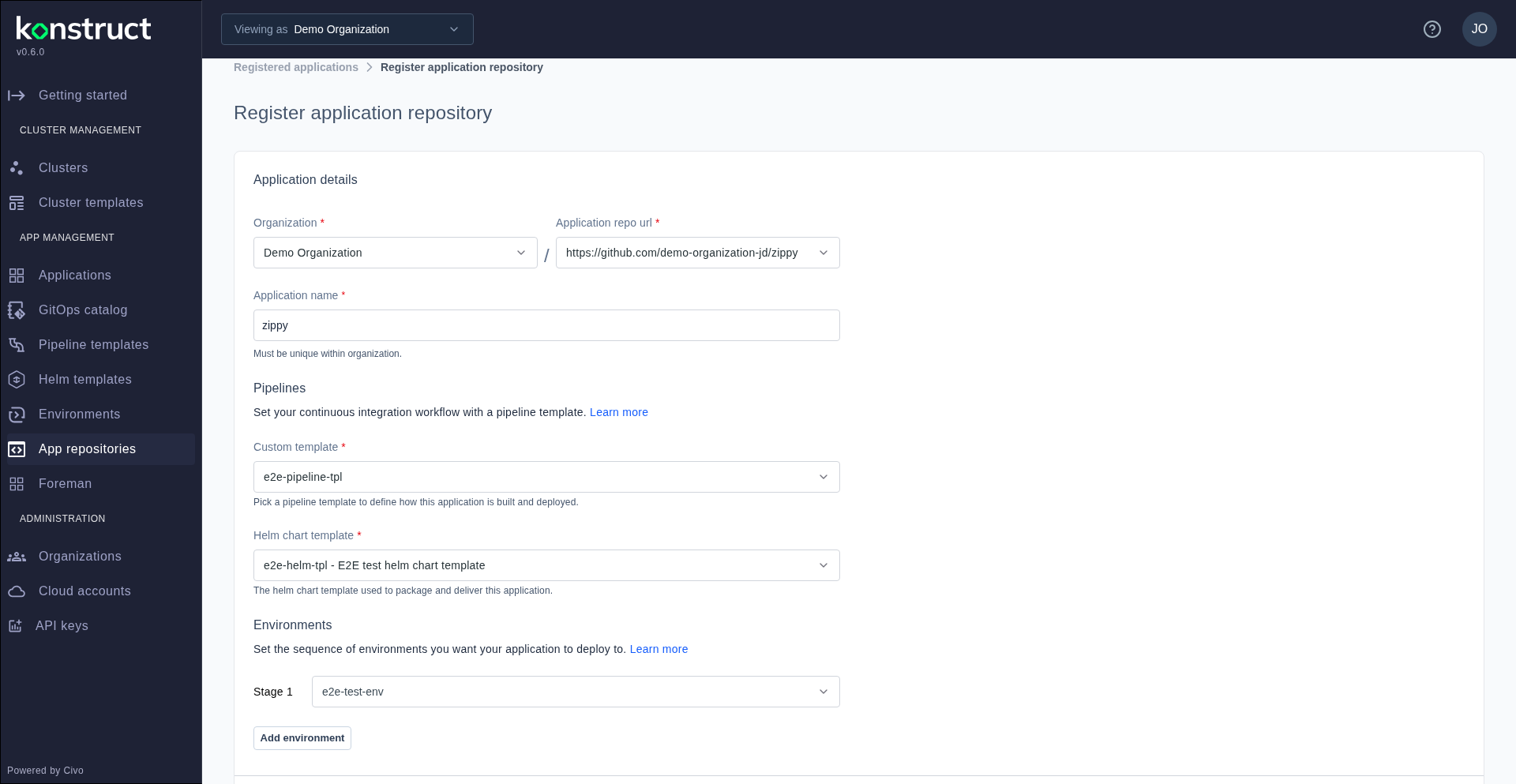
Click Register app repository to open the registration form. This is a multi-step form with cascading dropdowns:
- Organization — select which org owns this application
- Application repository URL — choose from your connected GitHub repositories
- Application name — provide a name for the app within Konstruct
- Custom template — select the pipeline template for CI/CD
- Helm chart template — select the Helm chart for Kubernetes packaging
- Environment — map the app to a deployment stage
After registration, the application appears in the list. Konstruct commits the pipeline and Helm chart configuration to your repository, enabling automated GitOps deployments.