Environments
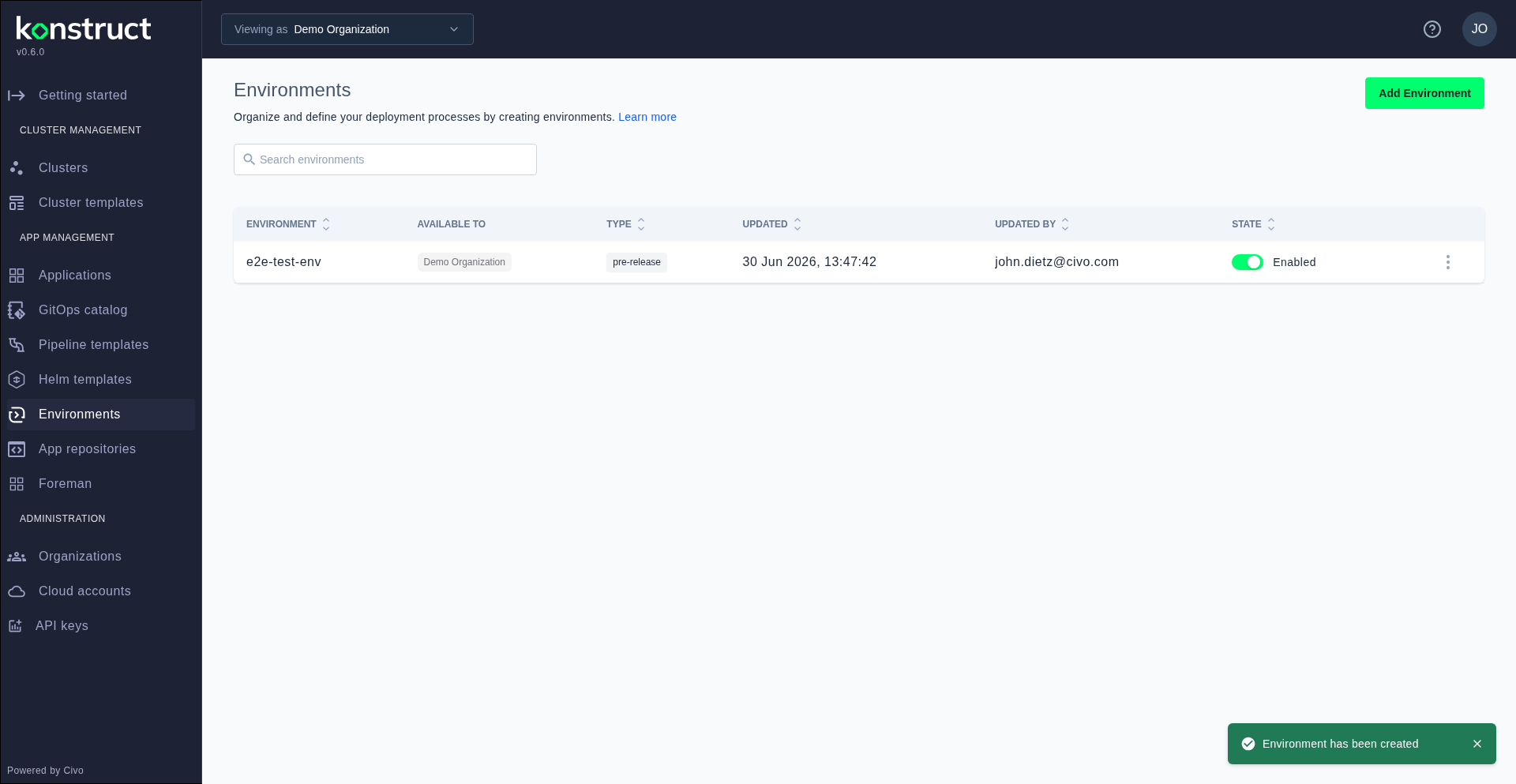
Environments in Konstruct represent deployment targets for your applications — such as staging, pre-release, and production. Each environment maps to a Kubernetes namespace and can be toggled on or off independently.
Viewing Environments
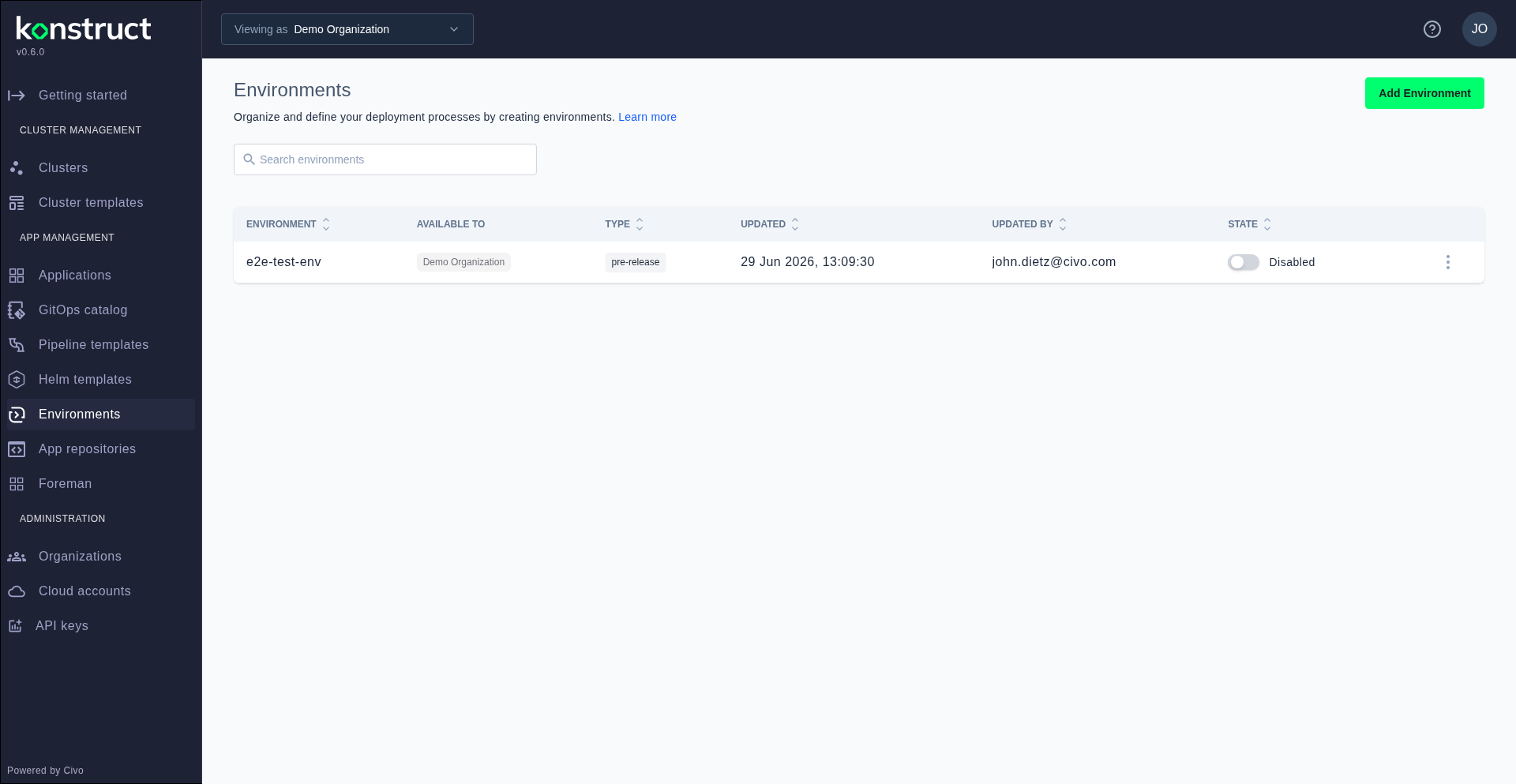
Navigate to Environments in the sidebar to see all configured environments. The list shows each environment's name, namespace, type, and enabled status.
Creating an Environment
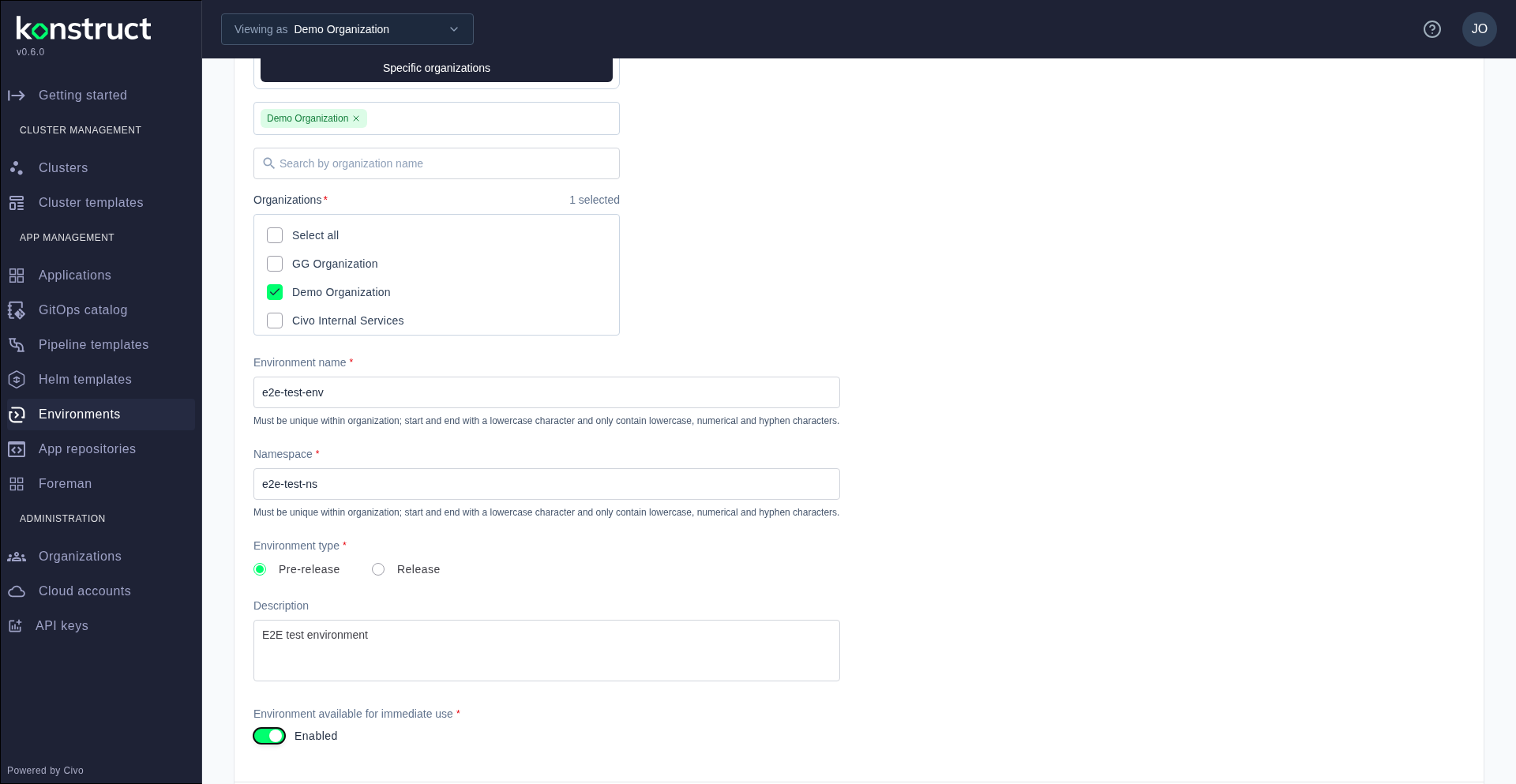
Click Add Environment to open the creation form. Fill in the environment name, namespace, select the type (pre-release or release), add a description, and toggle the Enabled switch to make it immediately available.
After creation, the environment appears in the list and is available as a deployment target when registering application repositories.