Selecting an Organization
Organizations in Konstruct are the primary unit of resource isolation. Each organization has its own clusters, applications, environments, templates, and cloud accounts. The Viewing as dropdown in the top bar controls which organization's resources you see throughout the platform.
The All Organizations View
When you first sign in, you may land in the all organizations view — a platform-wide administrative perspective. From here, platform admins can see global resources and manage cross-organization settings.
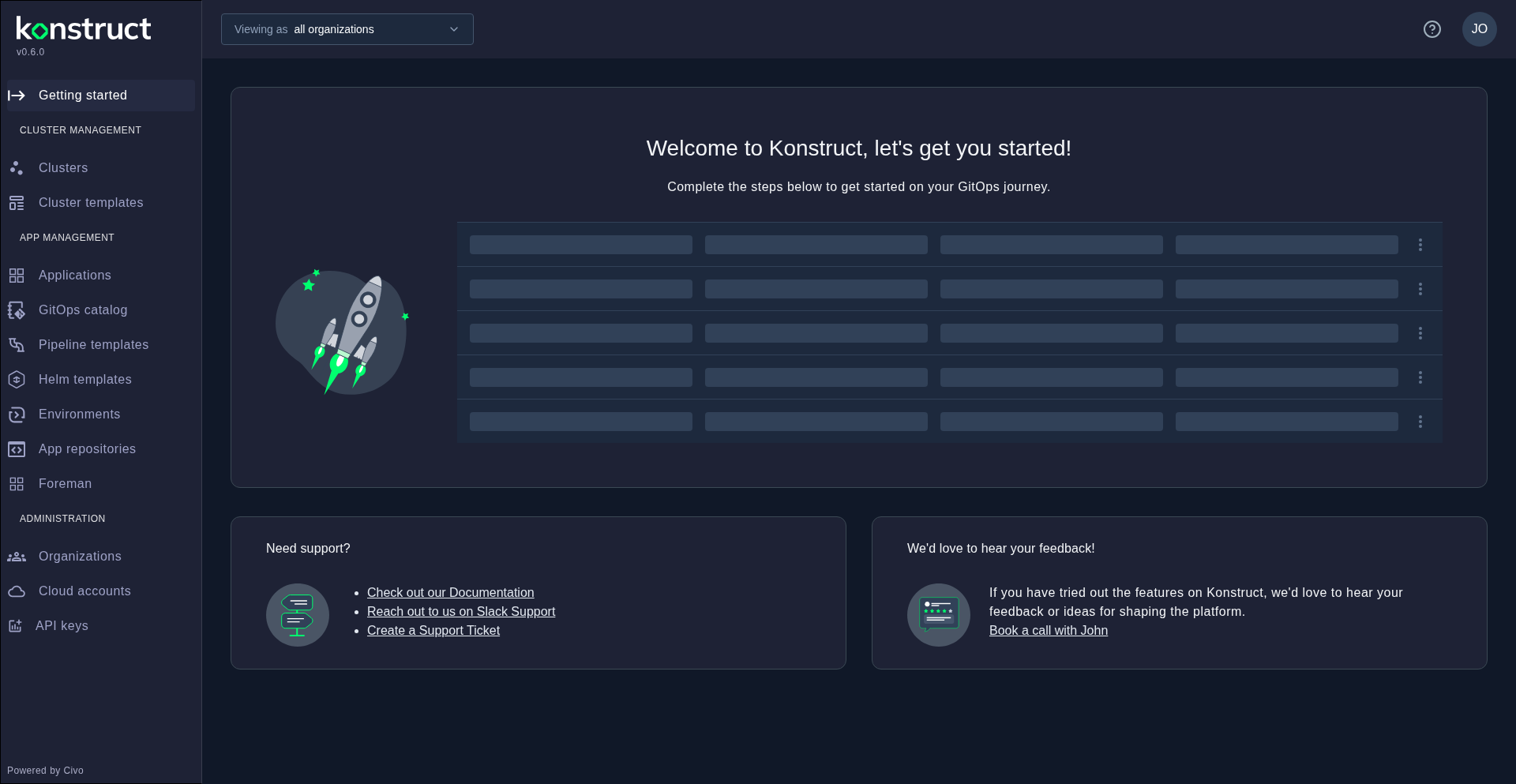
Switching to an Organization
Click the Viewing as dropdown and select your target organization from the list. The entire platform updates to show only the resources available to that organization.
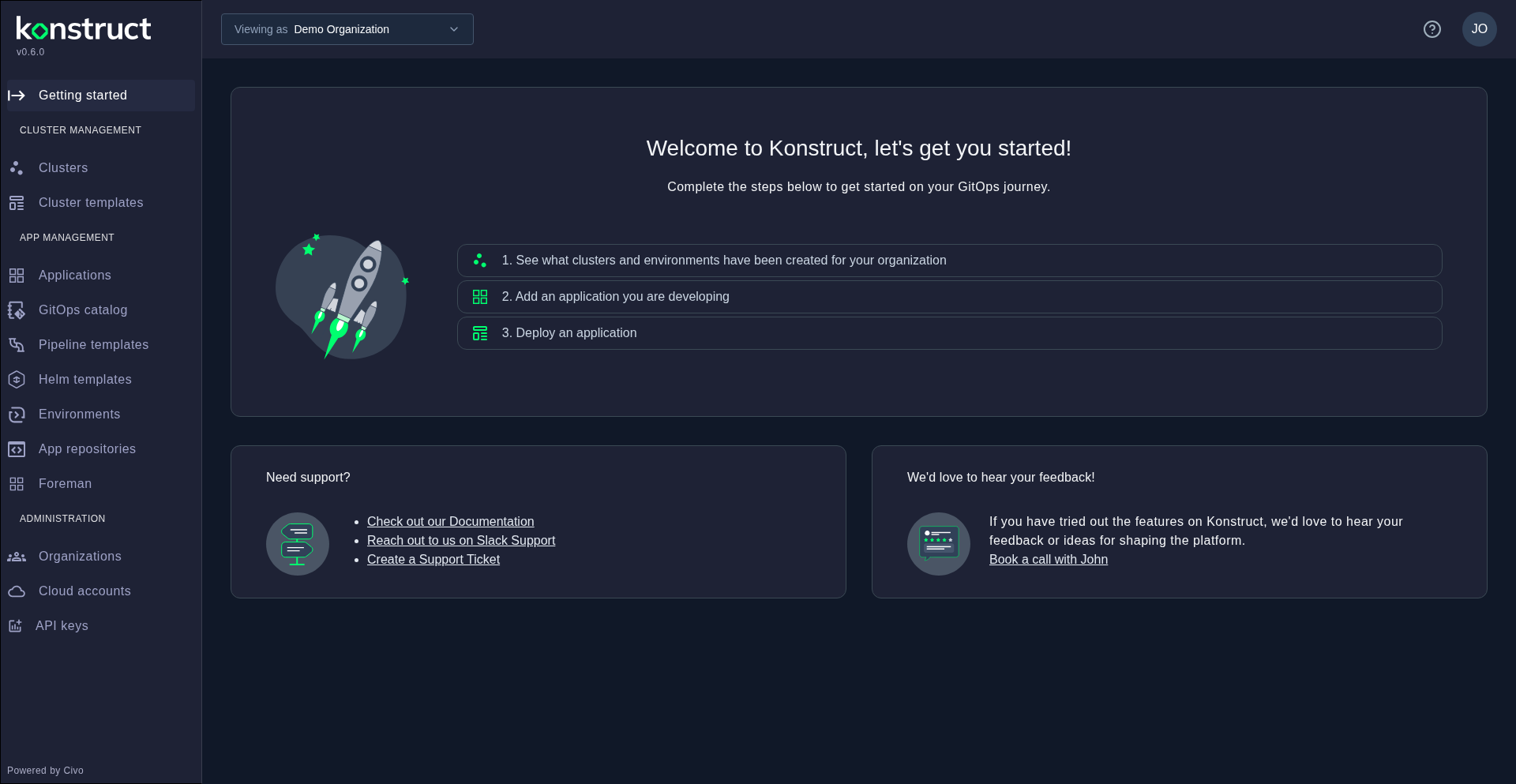
Notice how the sidebar changes after selecting an organization — you now see the complete set of org-level navigation items including Clusters, Applications, Environments, Pipeline templates, and more. These sections contain resources scoped to the selected organization.
The organization you select persists across sidebar navigation within the same browser session. If you navigate to a resource that belongs to a different organization, Konstruct will redirect you to the appropriate list page for your current organization context.