GitOps Catalog
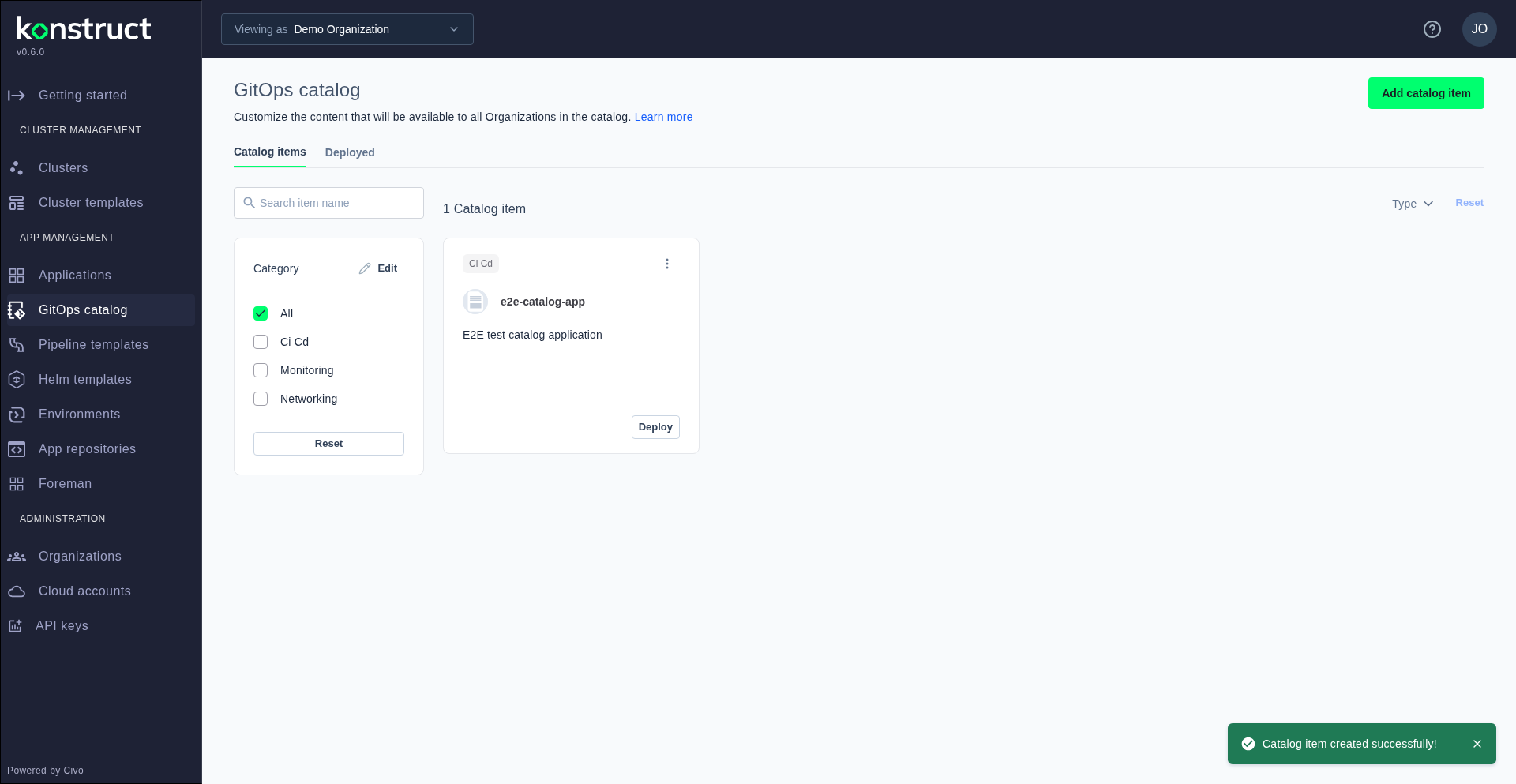
The GitOps Catalog is a curated marketplace of pre-configured applications that can be deployed to your clusters with a single click. Platform teams can add custom catalog items to make internal tools and shared services easily discoverable.
Viewing the Catalog
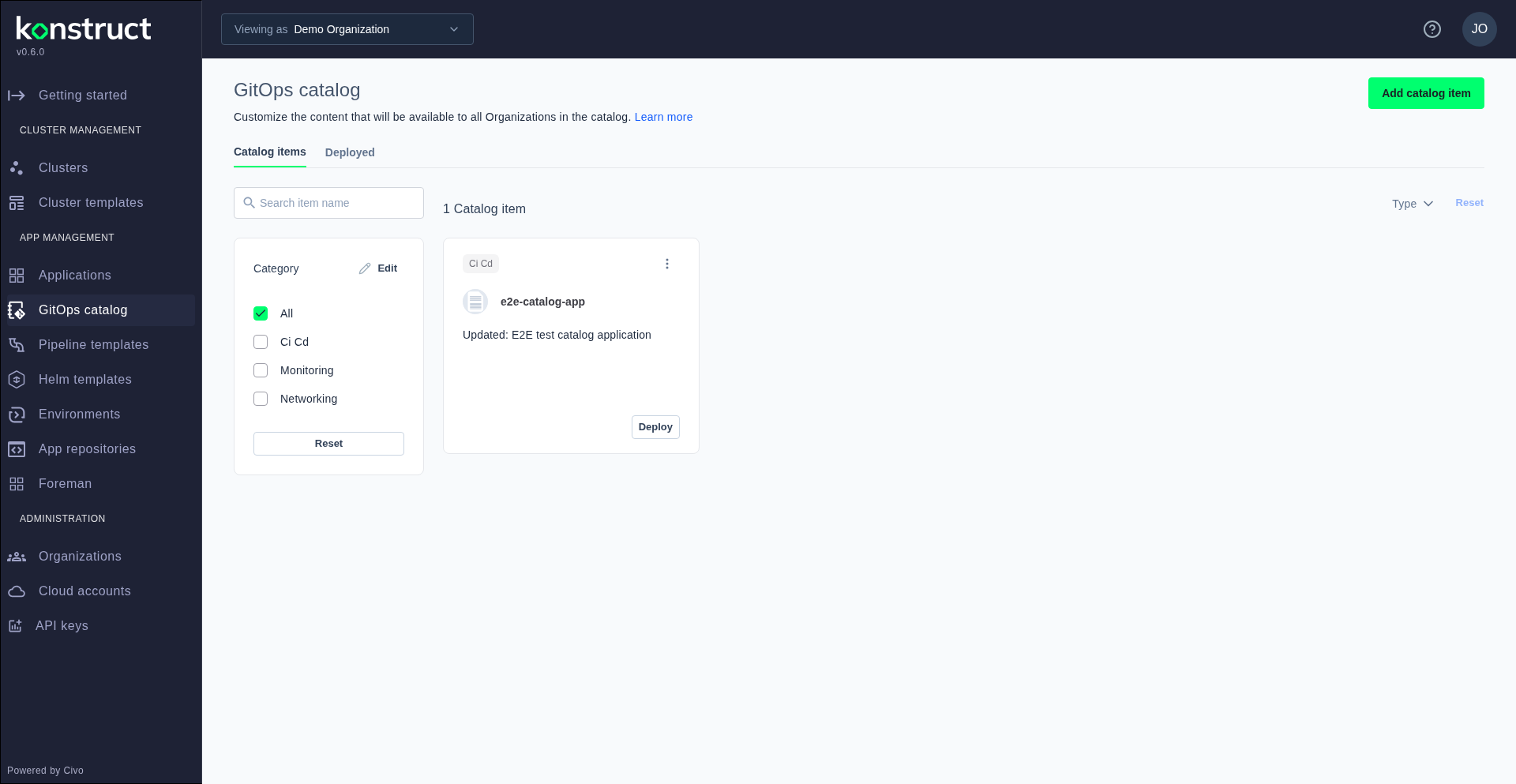
Navigate to GitOps catalog in the sidebar to browse all available applications. Items are organized by category and show their name, description, and deployment status.
Adding a Catalog Item
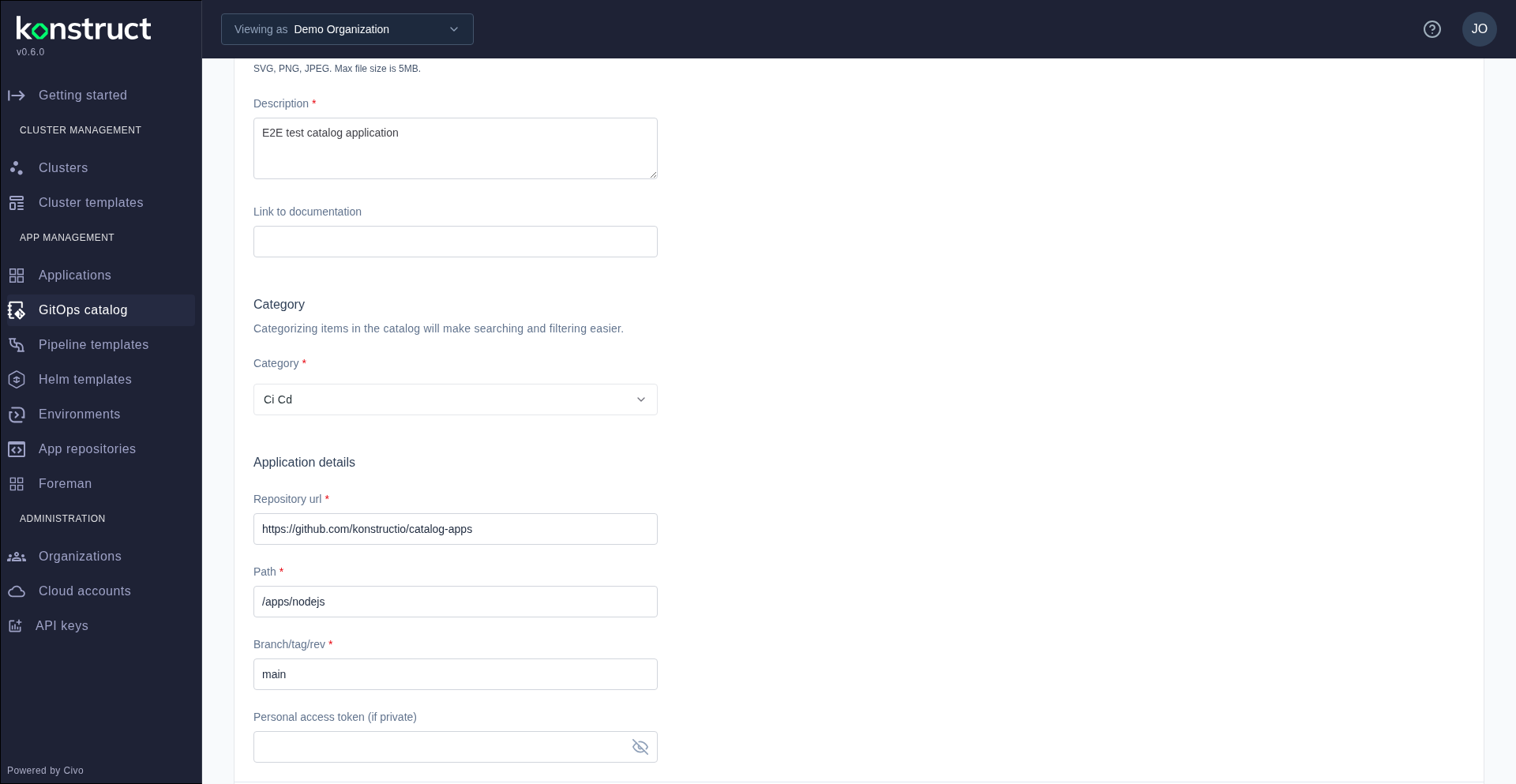
Click Add catalog item to register a new application. Select Application as the type, then fill in the name, description, documentation link, category, repository URL, path, and branch.
After submission, the new item appears in the catalog and becomes available for one-click deployment to any connected cluster.