Signing in to Konstruct
Konstruct uses Civo single sign-on for authentication. When you navigate to your Konstruct instance, you'll see the login screen with the option to authenticate through your Civo account.
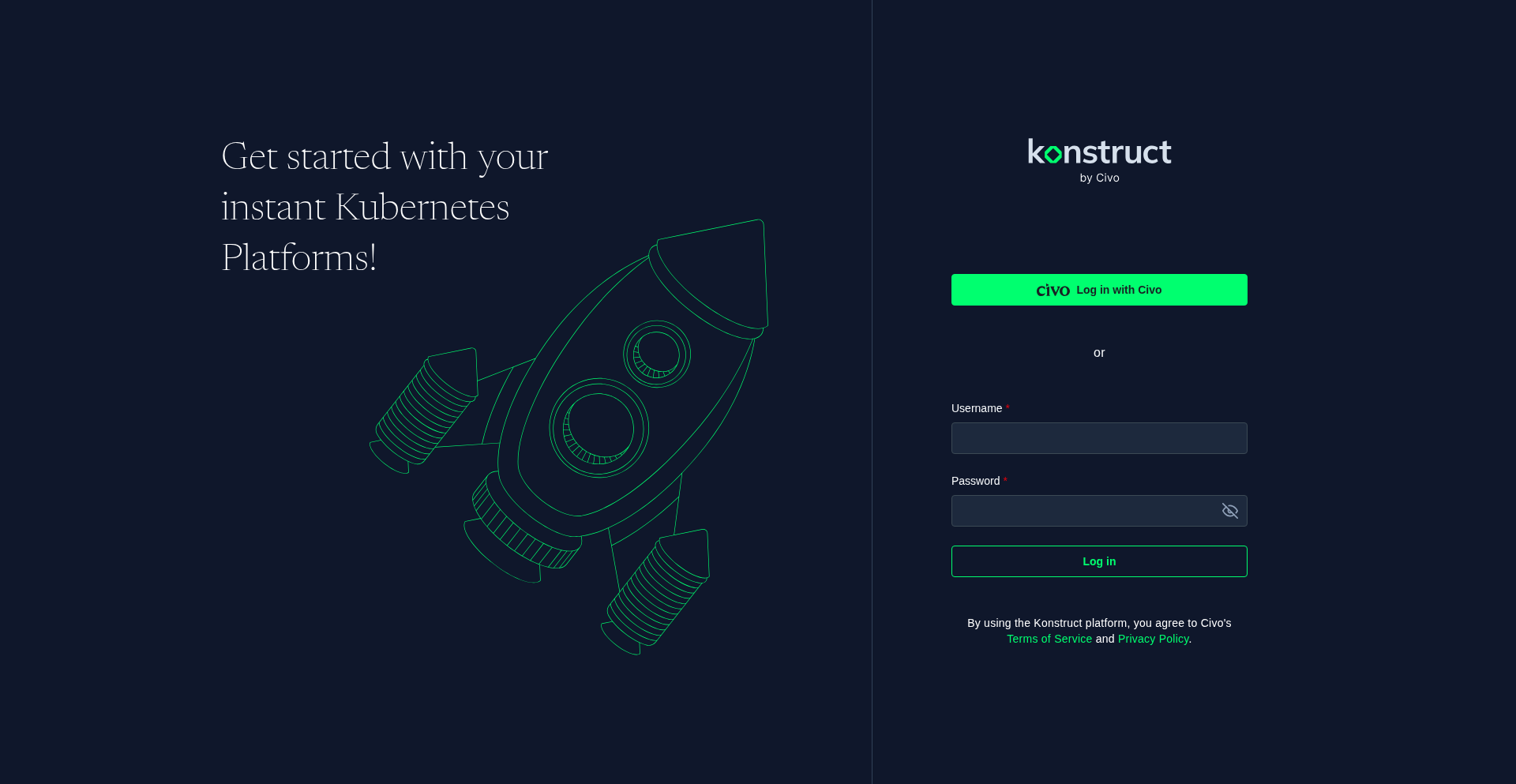
Click Log in with Civo to begin the authentication flow. You'll be redirected to the Civo identity provider where you enter your email and password. Once authenticated, Civo redirects you back to Konstruct with an active session.
If you're running a selfhosted Konstruct instance, you'll see a local username and password form instead of the Civo SSO button. Enter the credentials configured during installation.
The Konstruct Dashboard
After signing in, you land on the Konstruct dashboard. The left sidebar provides navigation to all platform areas, and the Viewing as dropdown at the top controls your organization context.
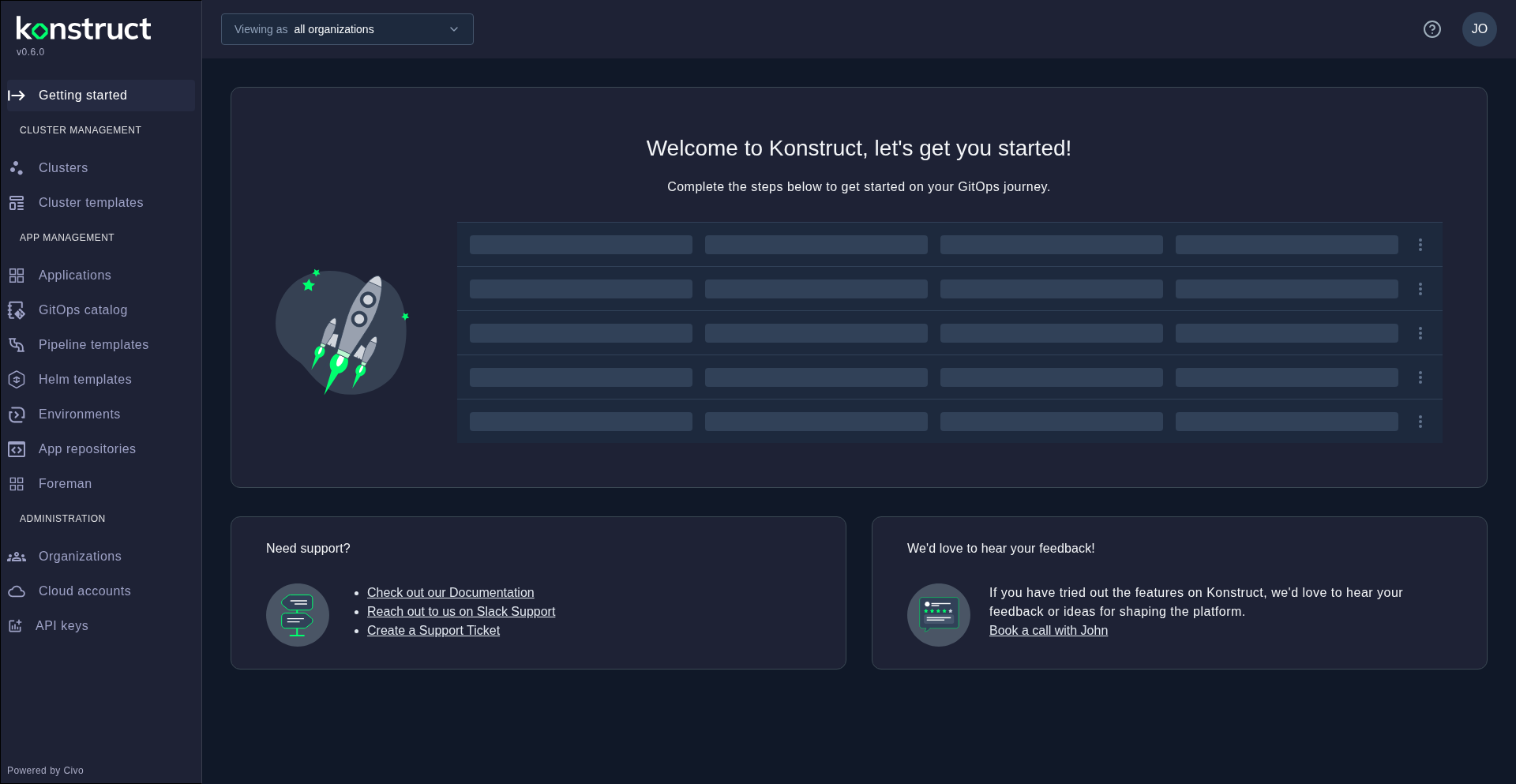
From here you can:
- Select an organization to scope your view to a specific team's resources
- Navigate the sidebar to manage clusters, applications, templates, and more
- Follow the Getting Started checklist to complete your initial platform setup